Blur Background Automatically1.8
Continue to app
Free Version
Publisher Description
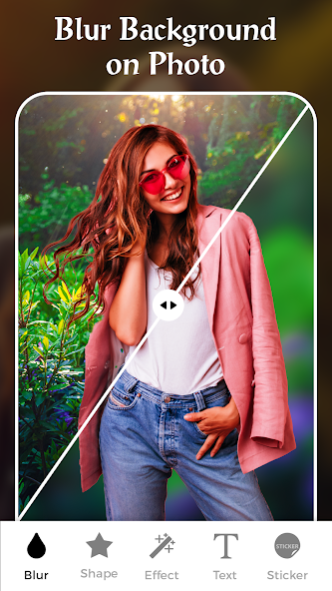
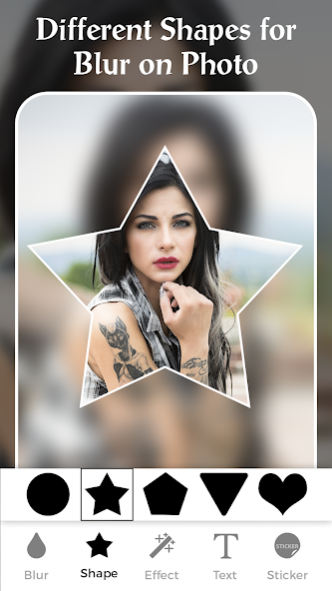
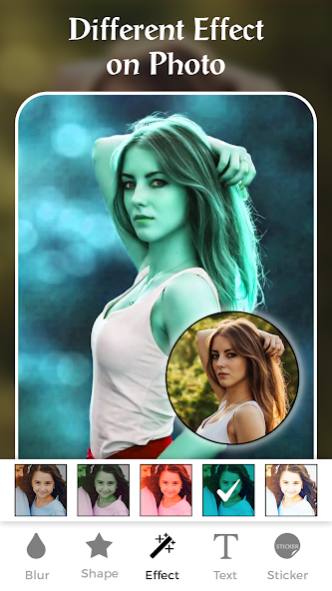
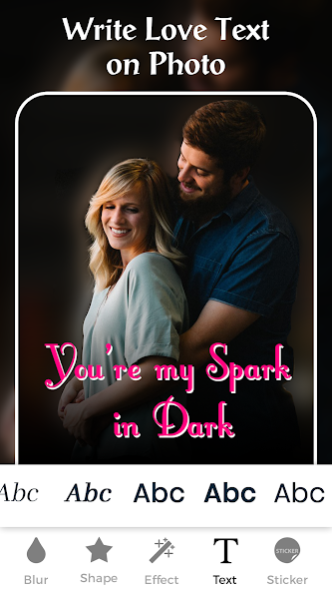
is stunning application that provides you the feature that easily
blur background
of your image.
Blur photo editor
provides you to the feature with help of which you can easily do editing, what all you need is to come out with your creativity. Creativity is something that no one can take it from you, what all you need is just try to come up with your idea and make stunning photos with the help of
blur photo background editor
.
Editing
blur photo background
is not difficult task but editing that beautifully is challenging and we overcome that challenge. We overcome it with the help of making application that gives
blur background automatically
and provide you the best photo creating and editing experience.
Capturing photo which has clarity like DSLR camera is difficult but with help of
DSLR photo editor
it's possible to edit the picture and providing effect to the photo, so that its looks like that it was captured by the DSLR camera.
Click photos using the DSLR camera option and blur it the way you want, using this
DSLR camera blur background app
or
DSLR photo editor
. Use this blur tool or blurred face app to give your picture, a blurred background, with a blurry background effect.
Key features blur image background
1. Select Photo from Gallery
Select the photo to be blurred from the gallery and edit it with different blur effect providing in application.
2. Photo Blur intensity adjustment
Adjust the image blur intensity according to requirement and remove it from where you don't want.
3. Brush Size adjustment
Adjust the brush size for picture and give it a blur background, using this
blur photo editor
.
4. Undo and reset option
The blurry effect can also be reverted, using this blur image editor and pic can also be reset using this app.
5. Attractive UI.
Blur photo editor or
blur background photo editor
, which gives a your photo a
DSLR camera effect
. So now you don't need to spend money behind the expensive camera because here is the free application that gives you DSLR blur effect to your image.
6. Save and share on social media
Save the images to your gallery. This images have the quality, as it was captured by DSLR blur camera.
Blur image background
is the best apps for pics blurring. Download this top photo editing app for free, and blur pics the way you want to.
About Blur Background Automatically
Blur Background Automatically is a free app for Android published in the Recreation list of apps, part of Home & Hobby.
The company that develops Blur Background Automatically is iDroid Solution. The latest version released by its developer is 1.8.
To install Blur Background Automatically on your Android device, just click the green Continue To App button above to start the installation process. The app is listed on our website since 2023-05-19 and was downloaded 1 times. We have already checked if the download link is safe, however for your own protection we recommend that you scan the downloaded app with your antivirus. Your antivirus may detect the Blur Background Automatically as malware as malware if the download link to com.tma.blur.background.automatically is broken.
The company that develops Blur Background Automatically is iDroid Solution. The latest version released by its developer is 1.8.
To install Blur Background Automatically on your Android device, just click the green Continue To App button above to start the installation process. The app is listed on our website since 2023-05-19 and was downloaded 1 times. We have already checked if the download link is safe, however for your own protection we recommend that you scan the downloaded app with your antivirus. Your antivirus may detect the Blur Background Automatically as malware as malware if the download link to com.tma.blur.background.automatically is broken.
How to install Blur Background Automatically on your Android device:
- Click on the Continue To App button on our website. This will redirect you to Google Play.
- Once the Blur Background Automatically is shown in the Google Play listing of your Android device, you can start its download and installation. Tap on the Install button located below the search bar and to the right of the app icon.
- A pop-up window with the permissions required by Blur Background Automatically will be shown. Click on Accept to continue the process.
- Blur Background Automatically will be downloaded onto your device, displaying a progress. Once the download completes, the installation will start and you'll get a notification after the installation is finished.
Program Details
System requirements
Operating systems
Android
Download information
File size
N/A
Total downloads
1
Pricing
License model
Free
Price
Version History
Here you can find the changelog of Blur Background Automatically since it was posted on our website on 2023-05-20. The latest version is 1.8 and it was updated on Soft112 on 12 October, 2026. See below the changes in each version:
version 1.8
posted on 2023-05-19
- Improved design interface and flawless user experience
- Bug Fixes for optimal performance
